
-
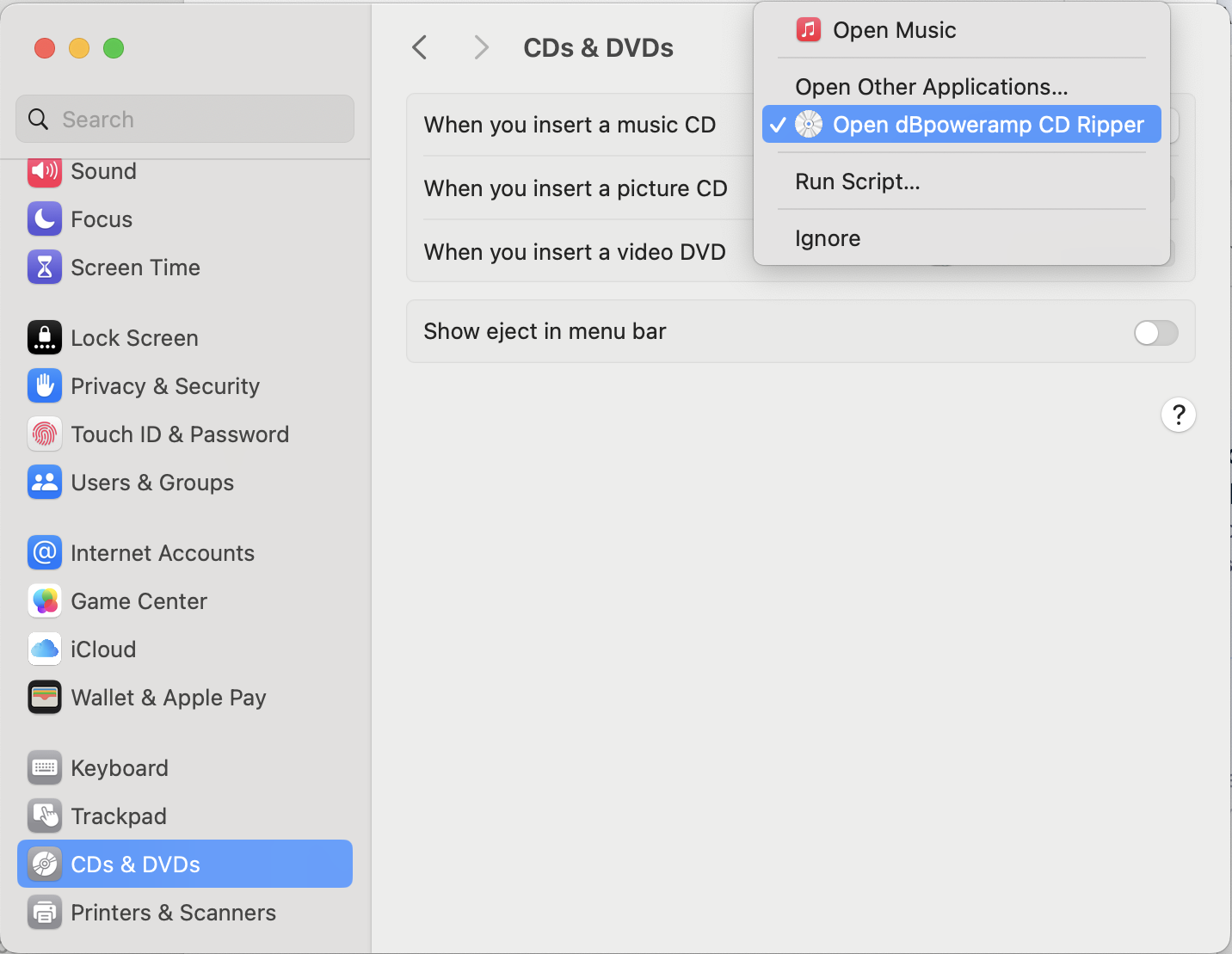
If ripping Audio CDs then choose CD Ripper as the default program to run each time an audio CD is inserted (by default Apple Music will show), to do so insert an audio CD then in settings look for:
-
macOS Security Permissions
macOS Catalina (or newer) introduces per program security access settings, normally macOS will ask when the program tries to access something if it should be granted permission.
This security setting can also be set at a later date, click the Apple menu icon:
System Preferences >> Privacy & Security >> Full Disk Access
Click the [+] button and add both dBpoweramp Music Converter and dBpoweramp CD Ripper:
Last edited by Spoon-; June 06, 2025, 04:05 PM.
Leave a comment: